
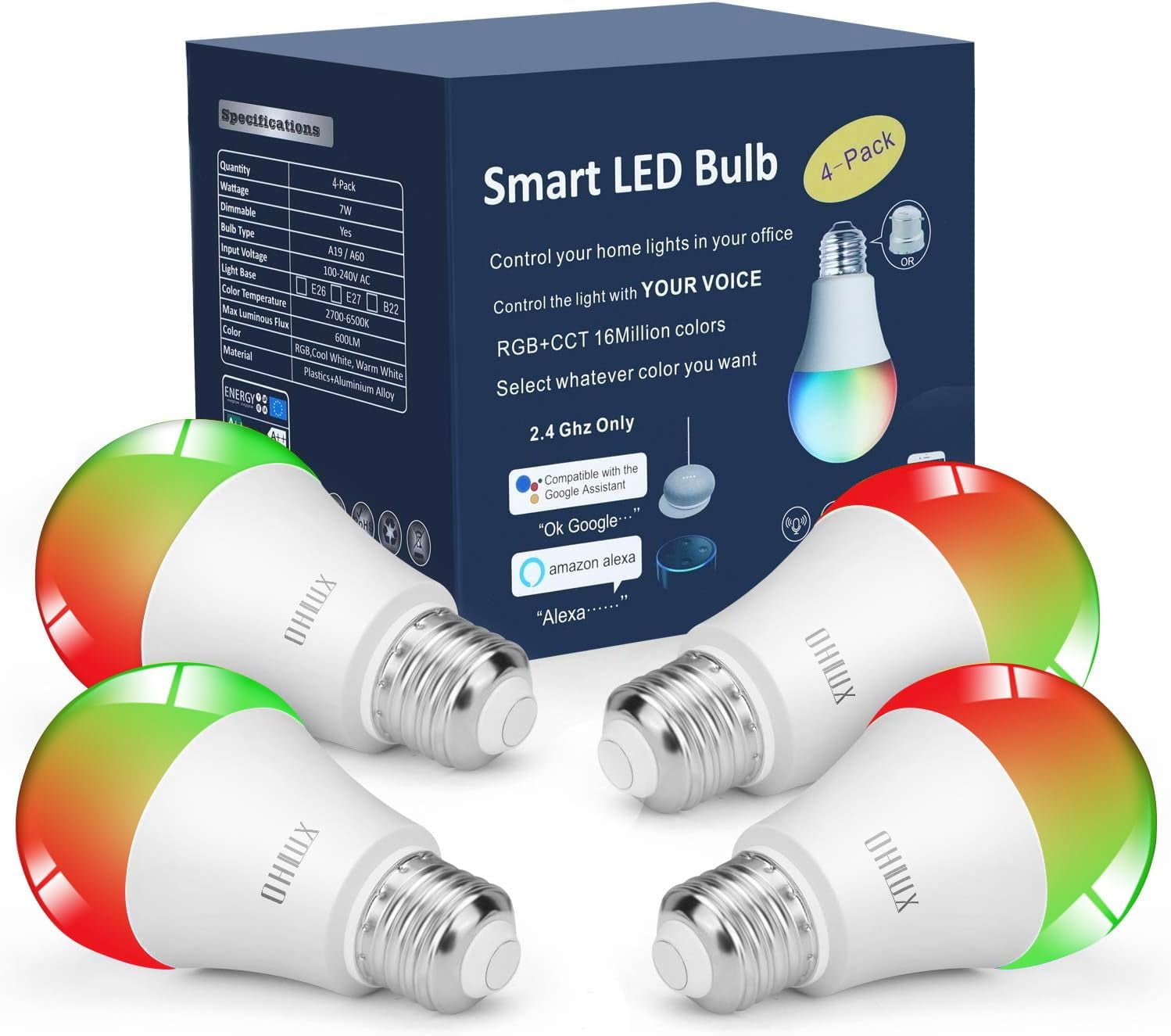
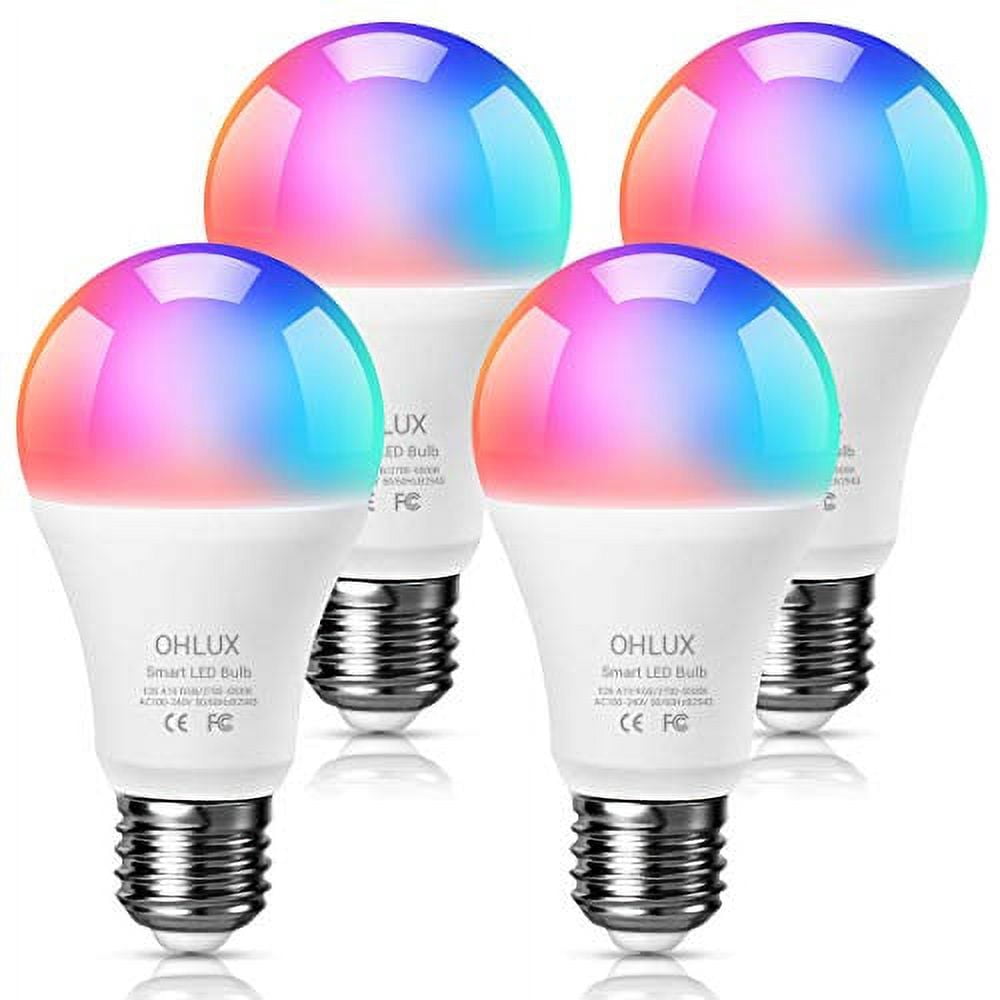
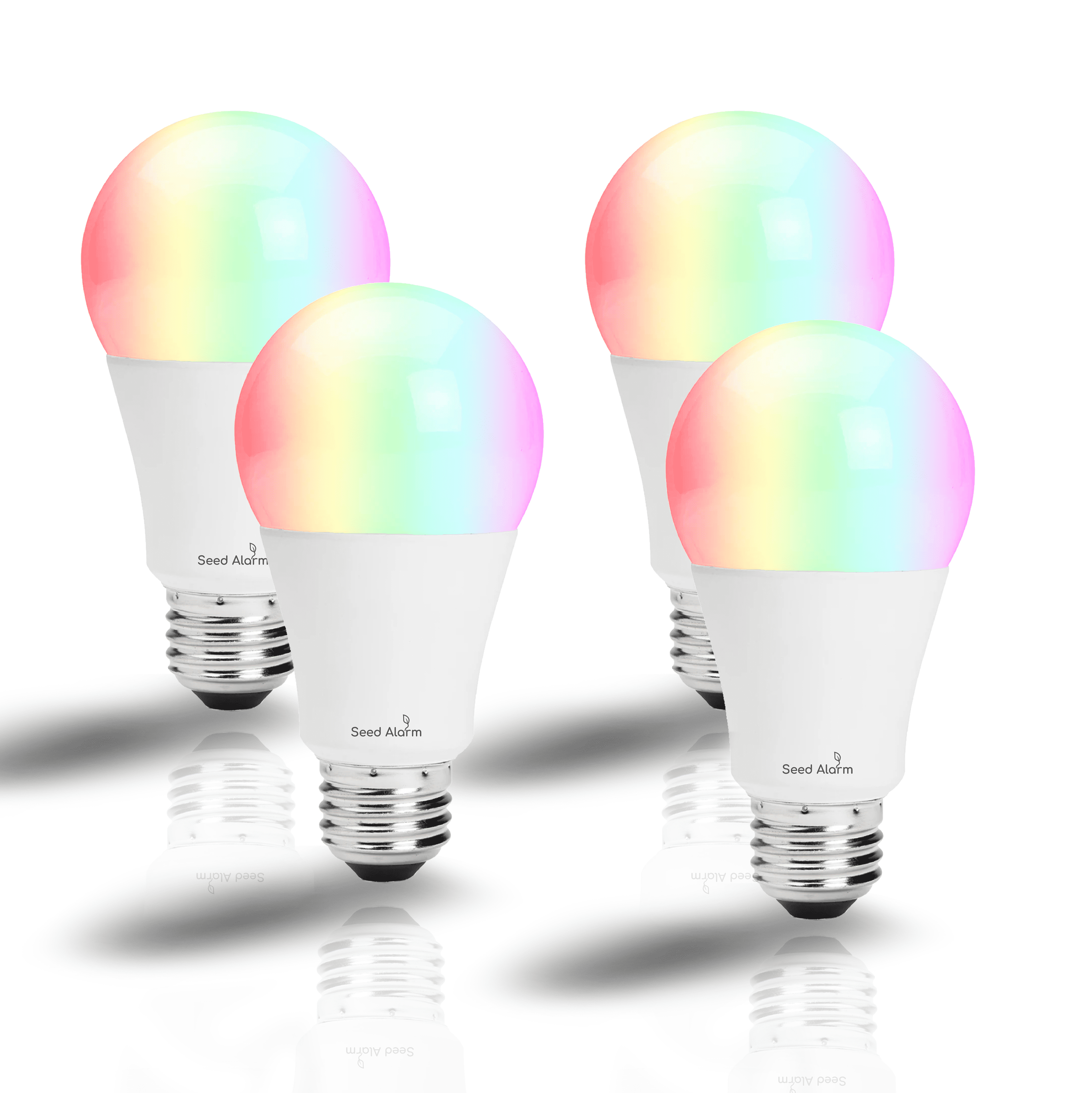
OHLUX Smart WiFi LED Light Bulbs (No Hub Required), RGBCW Multi-Color, Warm to Cool White Dimmable, 60W Equivalent, 7W E26 A19 Color Changing Bulb-4PACK
Product details
| Management number | 230775127 | Release Date | 2026/06/18 | List Price | $17.60 | Model Number | 230775127 | ||
|---|---|---|---|---|---|---|---|---|---|
| Category | |||||||||
OHLUX Smart WiFi Light Bulb A19shape E26base 4 Pack ?How to connect with smart life App?:? Download theSmart Life app, register an account and login? Click "+" in the upper right corner - All devices - Lighting Devices? turn on the switch 3 times: on-off-on-off-on until it's flashed quickly? Click "confirm light blinks rapidly" and then input the correct WiFi password (2.4Ghz WiFi)? Within 30 second, it will be connected?Work with 5G WiFi ??Remembering all routers today work in mixed band there you have to disable the 5ghz band and configure only with the 2.4ghz enabled after everything is working, after setup you can active 5ghz again?How to connect with Alexa Echo?Step A: Tap ?Skills&Games? in the hamburger menu, then search ?Smart Life?. Select ?Smart Life? and tap ?ENABLE? to enable the Skill.Step B: Type in your Smart Life account and password, don?t forget to select the country/region where your account belongs to. Then tap ?Link Now?Step C: After the skill binding is successful, Click ?DISCOVER DEVICES? then Discovered devices will be shown in the list.Note: every time you change the device?s name on Smart Life app, Echo must re-discover before you control them.?How to connect with Google Home?Step A: On the homepage of Google Home app, click the button in the lower right corner, select ?MORE SETTING?, select ?Home CONTROL? under the list of ?ASSISTANT?, and then click the plus sign in the lower right cornerStep B: Find "Smart Life " in the list. In the new window, select your Smart Life account?s region, type your Smart Life account and password, then tap ?Link Now?Note: pls use one Google account to control ?Home Control Action?. If you sign in Google Home app with several Google accounts, only the first Google account you signed in can be used for ?Home Control
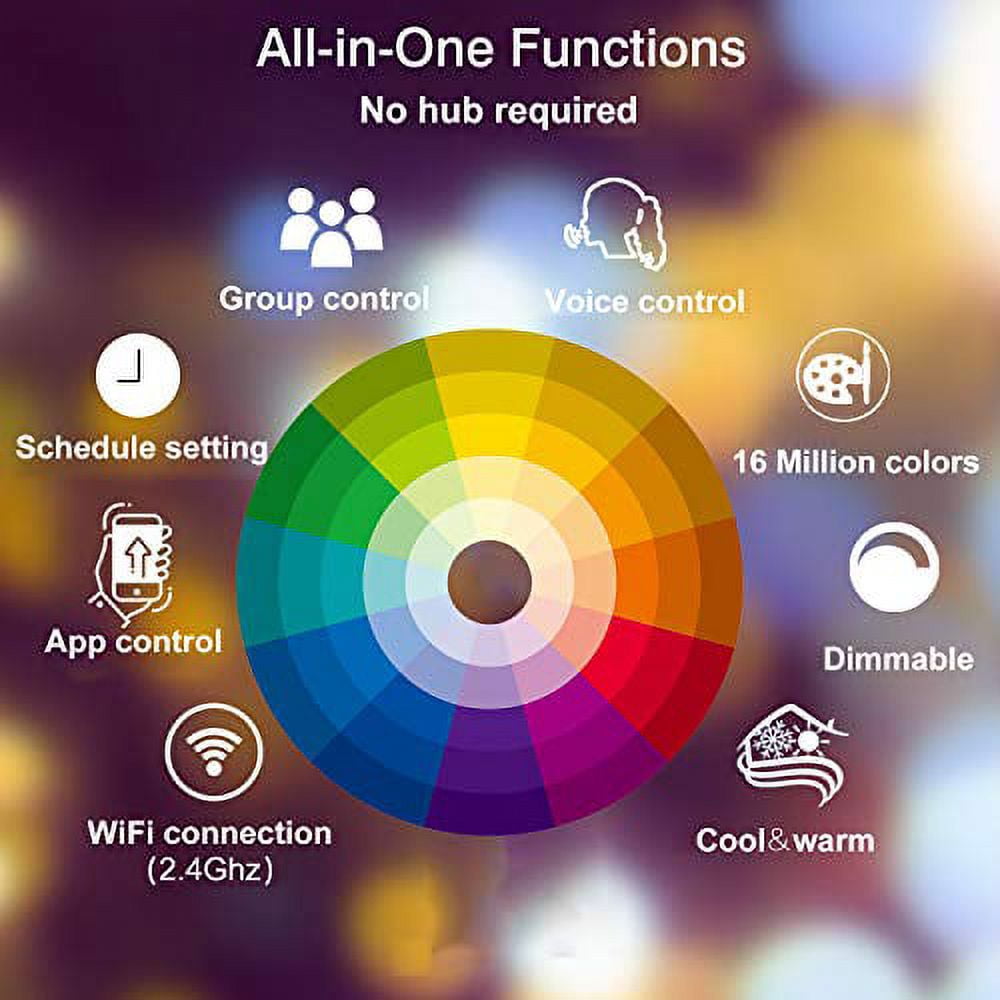
Voice Control Easy voice control of all 4pack A19 E26 E27 Base Smart bulb via integration with Alexa Echo and Google Assistant this includes turn on/off, brightness/temperature and scenes. Ex, you can say, "Alexa set the bedroom to warm.No Hub/Bridge Required!, APP & Remote Control Keep connecting WiFi smart light bulb with your home network (only supports 2.4GHz Wifi), you can remotely control smart light bulb on your smartphone when you leave home or travel, Timing & Group Control Never come home to a dark house - by using light schedules on the 'Smart Life' app and be greeted with warm light. The timer function enables smart led light bulb power on and automatically, Time Setting for Sunset sunrise Group control function allows you to control more than one smart light bulb at the same time for scene setting, RGBCW Multi-Color And Dimmable Brightness RGB+ Cool white Warm white smart bulb Choose What Color You Want with 16 million colors and the brightness of every color is dimmable The light brightness can be fixed percentages from 1% - 100% output. No Droning-No Flashing, 90 Days Free Trial And 1000 days Tech Support 7W 600lm smart bulb A19 shape with E26 base, equivalent to traditional incandescent bulbs. Saves up to 90% energy, Last longer and energy saver: Approximately working hours.if you encounter any problem or need support, please to us on directly.| Brightness | 600 lm |
|---|---|
| Color temperature | 2700 K |
| Light bulb type | LED |
| Features | Smart |
| Brand | OHLUX |
| Watts | 60 |
| Equivalent wattage | 80 W |
| Light bulb color | multicolor |
| Light bulb base design | Medium |
| Light bulb base code | E26 |
| Color temperature description | Warm to Cool White |
| Light bulb shape | A-Line |
| Light bulb style | General Purpose |
| Color type | Multicolor |
| Rec location | Indoor |
| Rec. use | Residential |
| Multipack quantity | 1 |
| Light bulb code | A19 |
| Model | OHLUX Smart WiFi LED Light Bulbs |
| Has written warranty | No |
Bestseller ranking
All Smart Light Bulbs
Customers who viewed this product also viewed
Hand Warmers
Correction of product information
If you notice any omissions or errors in the product information on this page, please use the correction request form below.
Correction Request Form